JPEG vs. WebP: Which Image Format Is Best for My Website?
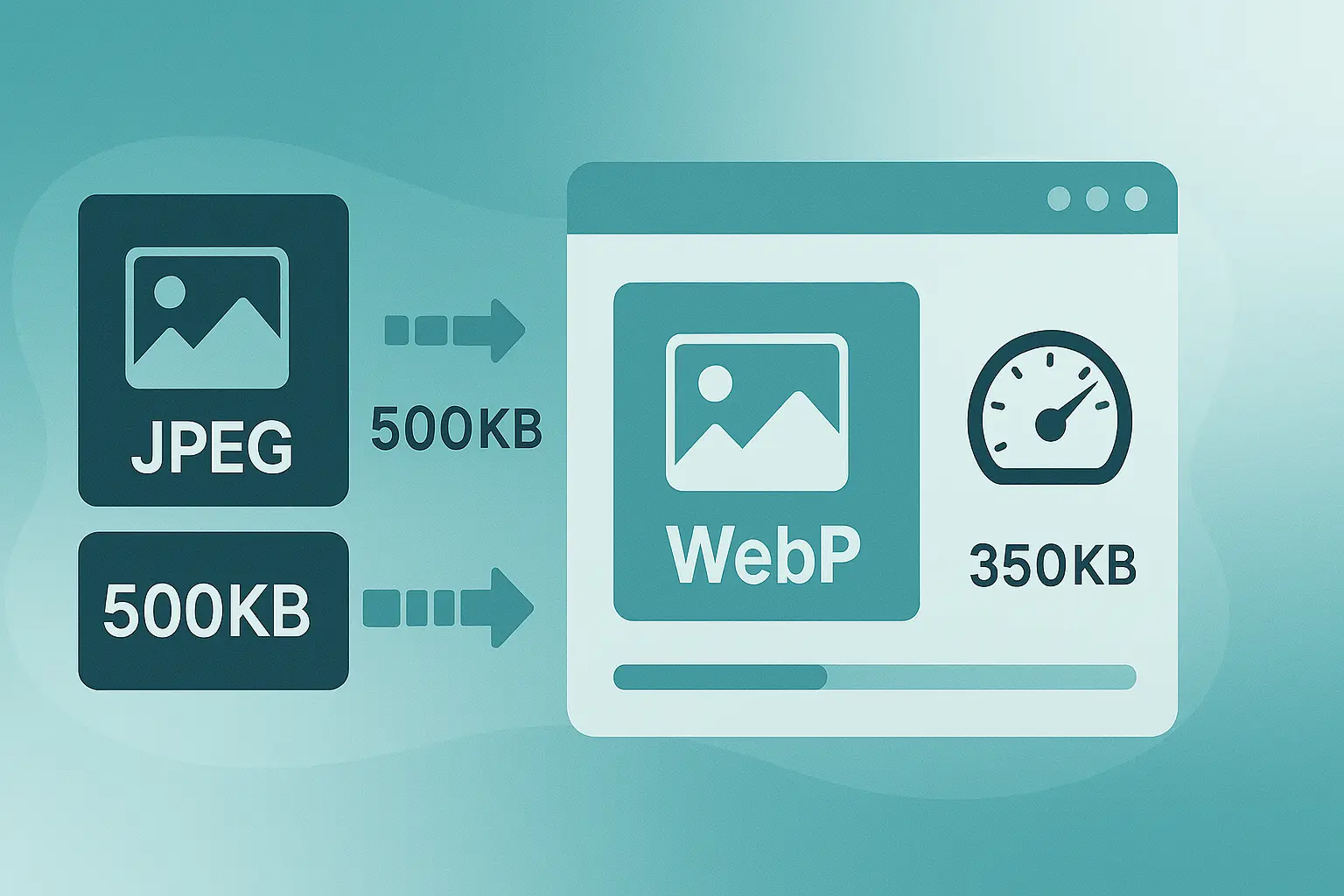
Table of contents
Introduction: The File Format Battle#
JPEG or WebP? If you’ve ever uploaded an image to your website, you’ve probably asked this question.
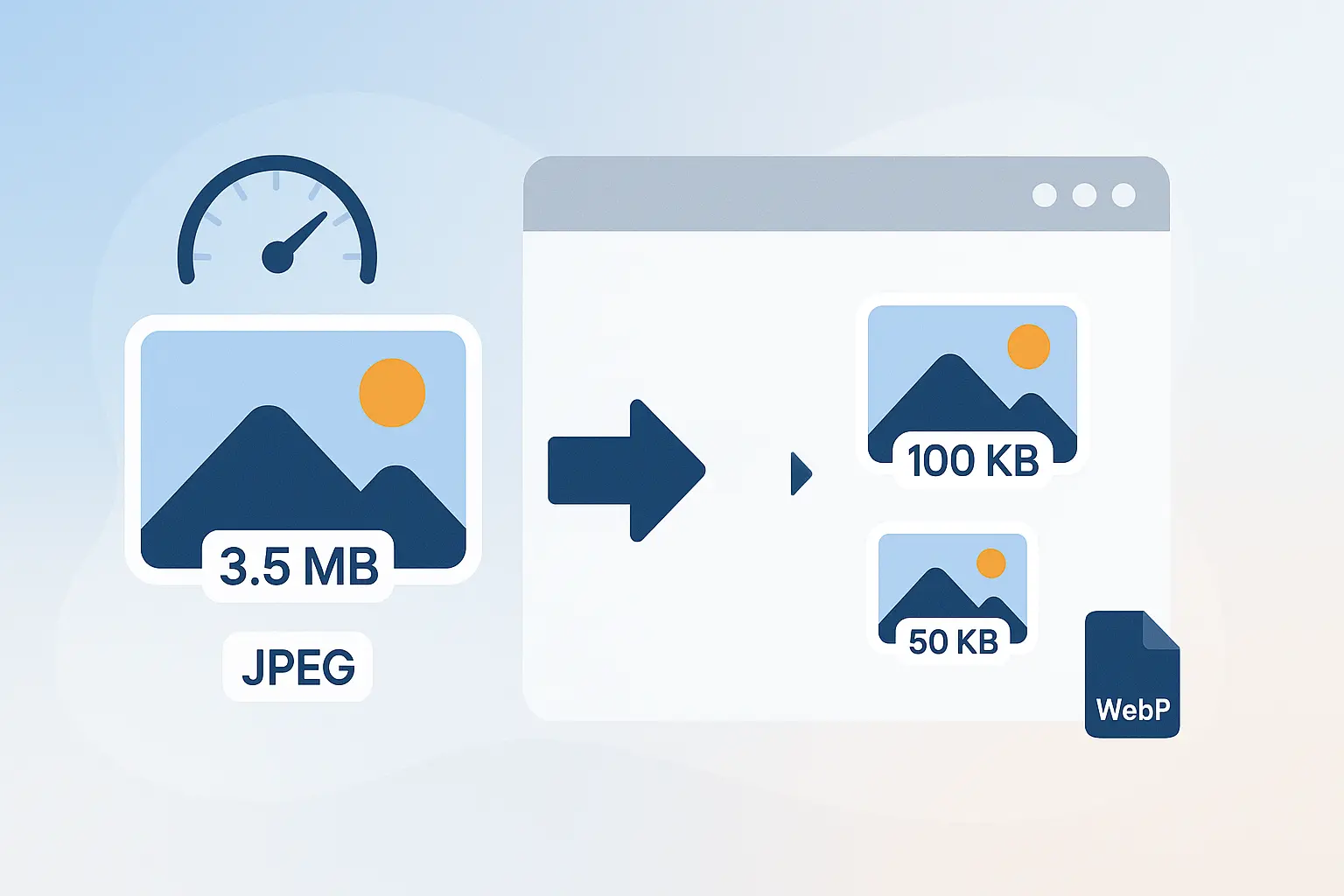
For years, JPEG was the undisputed champion of the web—universally supported, reliable, and good enough for most photos. But then came WebP, Google’s modern image format that promises smaller file sizes without losing quality.
So which should you use? Let’s break it down.
The Contenders#
1.1 The Reliable JPEG#
- Born in the early 1990s, JPEG is the world’s most common photo format.
- Pros: universal support, decent compression, good for photos.
- Cons: larger file sizes compared to newer formats, lossy compression only.
1.2 The Modern WebP#
- Introduced by Google in 2010, WebP is designed for the modern web.
- Pros: smaller file sizes (25–35% smaller than JPEG), supports lossy & lossless compression, transparency, and even animation.
- Cons: older browsers and legacy systems may not support it.
1.3 A Note on PNG (The Third Player)#
- PNG isn’t in direct competition, but it’s worth mentioning.
- Best for graphics, logos, and transparency.
- Larger file sizes but perfect clarity for sharp edges.
If you need transparency or a crisp logo-style output, use the JPG to PNG converter instead of saving another JPEG. It can also make light backgrounds transparent and resize the PNG toward a target KB limit.
If you already have a PNG and need a smaller, more compatible photo format, use the PNG to JPG converter to add a white, black, or custom background before downloading the JPG.
1.4 What About HEIC?#
HEIC is common on iPhone photos, but many forms, CMS uploads, and older systems still ask for JPG/JPEG. If you are starting with an iPhone HEIC file, use the HEIC to JPG converter before choosing whether to resize the final JPG or convert it to WebP.
Head-to-Head Comparison#
Here’s how JPEG and WebP stack up:
| Feature | JPEG | WebP |
|---|---|---|
| File Size | Larger, less efficient | 25–35% smaller than JPEG |
| Quality | Lossy only | Lossy & lossless, maintains quality better |
| Transparency | No | Yes (supports alpha channel) |
| Animation | No | Yes (like GIF replacement) |
| Browser Support | Universal | Widely supported, except very old browsers |
| Best For | Photography, universal use | Modern websites, SEO performance |
In real-world tests, a 500KB JPEG can often be reduced to ~350KB WebP with no visible quality loss.
The Verdict – When to Use Each Format#
When to Use JPEG#
- Universal compatibility needed.
- Photography-heavy sites targeting mixed or older devices.
- Email attachments where WebP isn’t supported.
When to Use WebP#
- Speed and performance are top priorities.
- Modern websites focused on SEO and Core Web Vitals.
- E-commerce, blogs, or portfolios where every KB matters.
When to Use PNG#
- Logos, icons, graphics with transparency.
- Screenshots or images requiring pixel-perfect clarity.
- Form images where a transparent or clean white background is required.
The Step-by-Step Workflow#
Here’s how to choose and implement the right format with ease:
-
Find a Conversion Tool
Use Photo Resizer in KB — simple, free, and secure. -
Convert Your Image
Upload your JPEG and convert to WebP in seconds.
(Future page: link to Image Format Converter tool here)Need PNG instead? Use the JPG to PNG converter for transparent backgrounds, logos, stamps, and form-ready graphics.
Starting with PNG? Use the PNG to JPG converter when a website or form only accepts JPG.
-
Compress and Optimize
After conversion, use presets like 100KB or 200KB to get the exact size. -
Download and Use on Your Website
Replace existing JPEGs with WebP for faster loading.
For more in-depth strategies, check out our Ultimate Guide to Image Optimization.
Conclusion: The Future is WebP#
JPEG had a great run, but the future is clear: WebP is the format of choice for modern, SEO-focused websites.
It delivers smaller file sizes, better quality, and more versatility—all things Google rewards. That said, JPEG still has its place for universal compatibility, while PNG remains the king for graphics.
Ready to switch? Use Photo Resizer in KB to instantly convert and optimize your JPEGs into WebP for a faster, better website.
📌 Don’t miss our Ultimate Guide to Image Optimization — your full roadmap to mastering images for the web.

Frequently Asked Questions
Is WebP better than JPEG?
Yes, WebP typically produces smaller files at similar or better quality compared to JPEG, making it ideal for modern websites.
Do all browsers support WebP?
Most major browsers including Chrome, Firefox, Edge, and Safari now support WebP. Very old browsers may not.
When should I still use JPEG?
JPEG remains useful for universal compatibility and photography-heavy sites where WebP support may be limited.
Why should I use WebP for SEO?
Because WebP reduces file size and improves page speed, which are both Google ranking factors.
Can I convert JPEGs to WebP easily?
Yes. Use an online converter like Photo Resizer in KB to instantly convert and compress JPEGs into optimized WebP files.